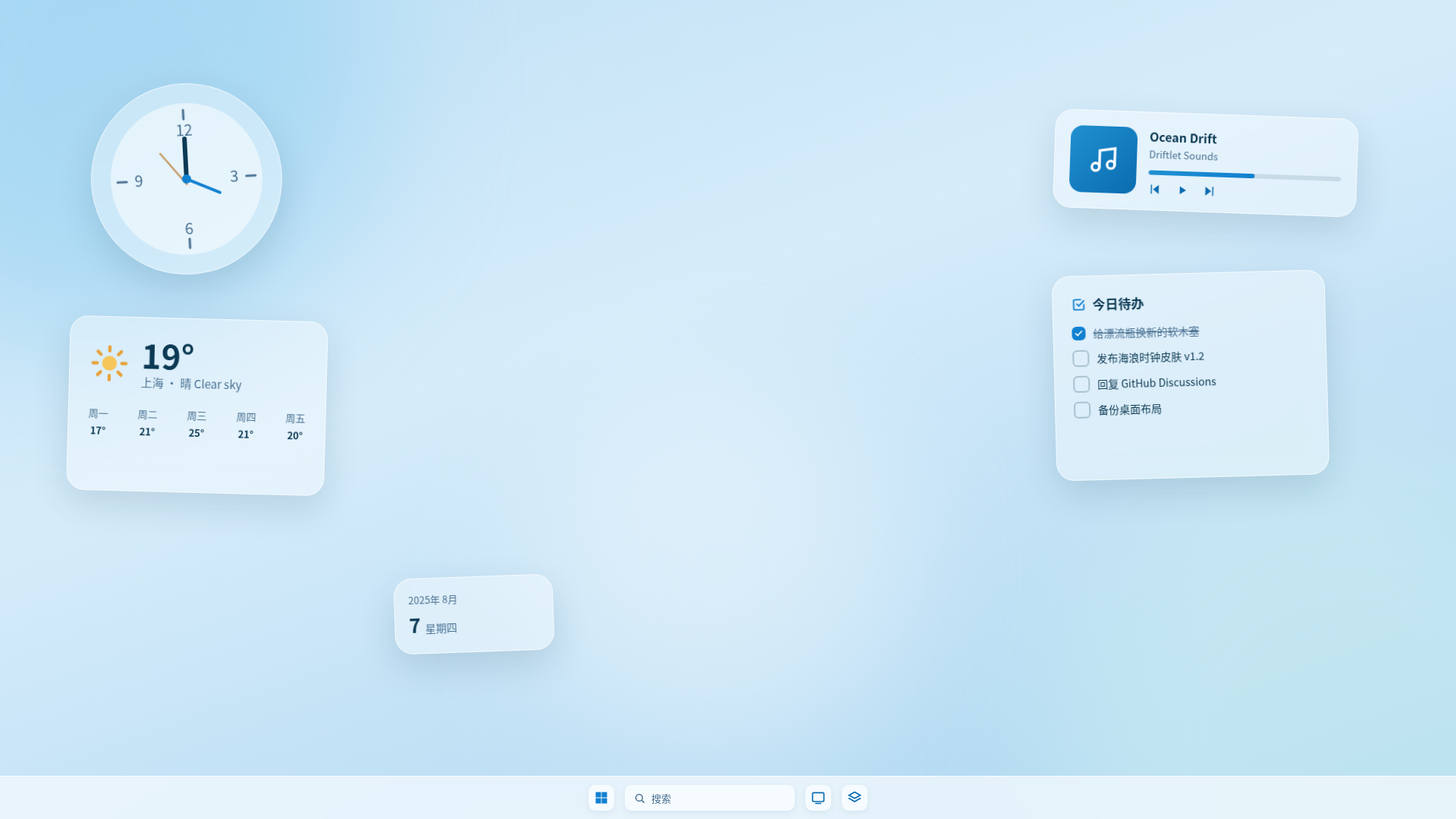
 Open-source Windows desktop skin manager
 Let webpages drift onto your desktop
Driftlet turns any webpage into a transparent, borderless desktop widget — always-on-top or placed on the desktop, freely scalable, with opacity control and position lock.
Supports Windows 10/11 · Built with Tauri · GNU General Public License v3
declared sensitive permissions
skin settings control types
zoom range
window management options
Six things desktop skins need
From window behavior to permission review, Driftlet covers the whole desktop-skin workflow.
Webpages as widgets
Any webpage becomes a transparent, borderless desktop window. HTML/CSS/JS is your skin language.
Flexible window control
Always-on-top or pinned to desktop, with position lock, opacity, 50–200% zoom and drag-to-resize.
.dskin skin packages
Zip-based packages that install on double-click; updates preserve your personal settings.
Visual skin settings
Declare 19 control types in skin.json; the settings panel is auto-generated and pushes values live.
Global hotkey
Ctrl+Shift+Alt+D hides or shows every skin at once — built for demos and focus time.
Every skin passes inspection first
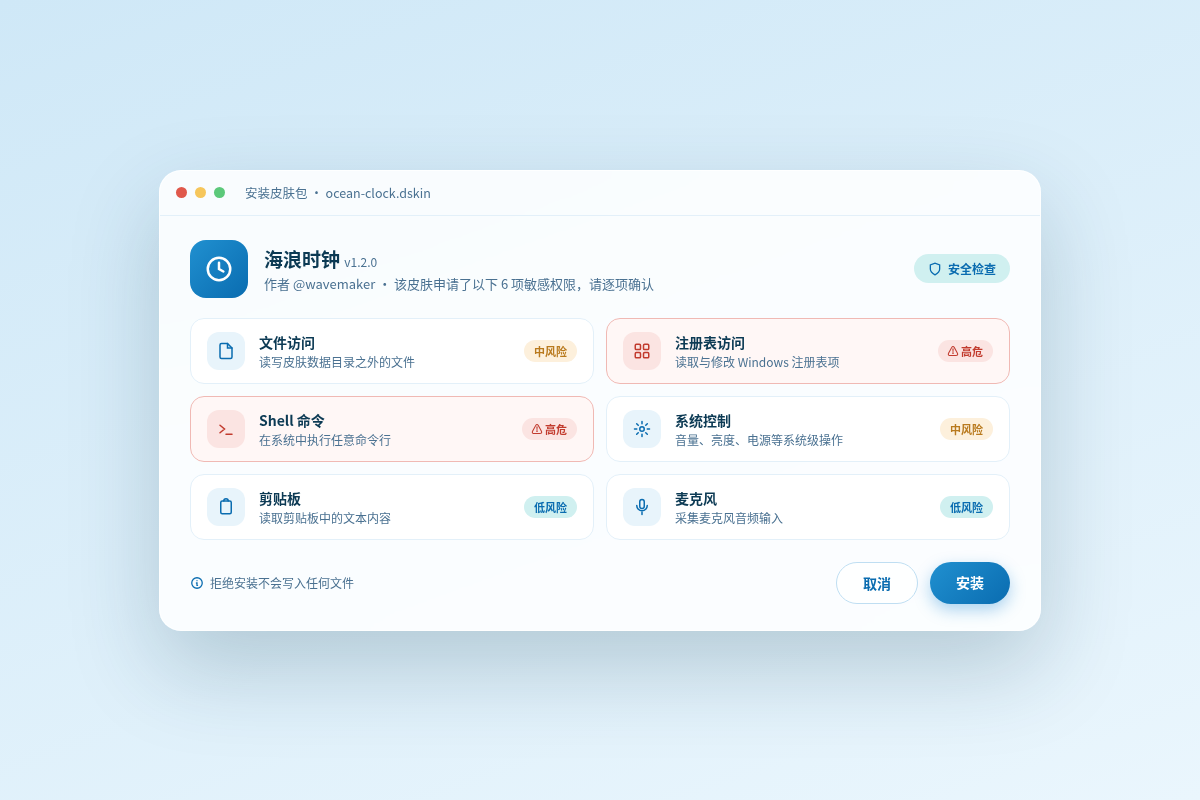
The install wizard lists every sensitive permission a skin requests — files, registry, shell, system control, clipboard, microphone — with high-risk items flagged in red. Decline, and nothing installs.
- File sandbox
- Zip-Slip & zip-bomb protection
- Per-skin settings isolation
In the vibe coding era, everyone's a creator
Can't code? No problem — describe your idea to an AI, it writes the skin, and Driftlet runs it on your desktop.
“Make me a weather widget: rounded corners, ocean tones.”
24°
Sunny · light breeze
Up and running in minutes
Download, double-click, tweak — your first desktop skin in minutes.
Download & install
Grab the NSIS installer from Releases — bilingual UI that follows your system language.
Double-click a .dskin
Double-click a skin package, confirm its permissions in the wizard, and it appears on your desktop.
Tweak freely
Zoom, opacity, always-on-top, position lock — manage everything from the tray.
Put the web on your desktop
Free, open-source, made for Windows.