What Driftlet can do
From webpage to desktop widget, from double-click install to one-key hide — every detail is designed for the desktop.
Webpages become desktop widgets
Turn any webpage — clocks, weather, music players, todo lists — into a transparent, borderless desktop window. A skin is just HTML/CSS/JS: the web stack you already know is your desktop skin language.
- Transparent background
- Borderless window
- Any webpage URL
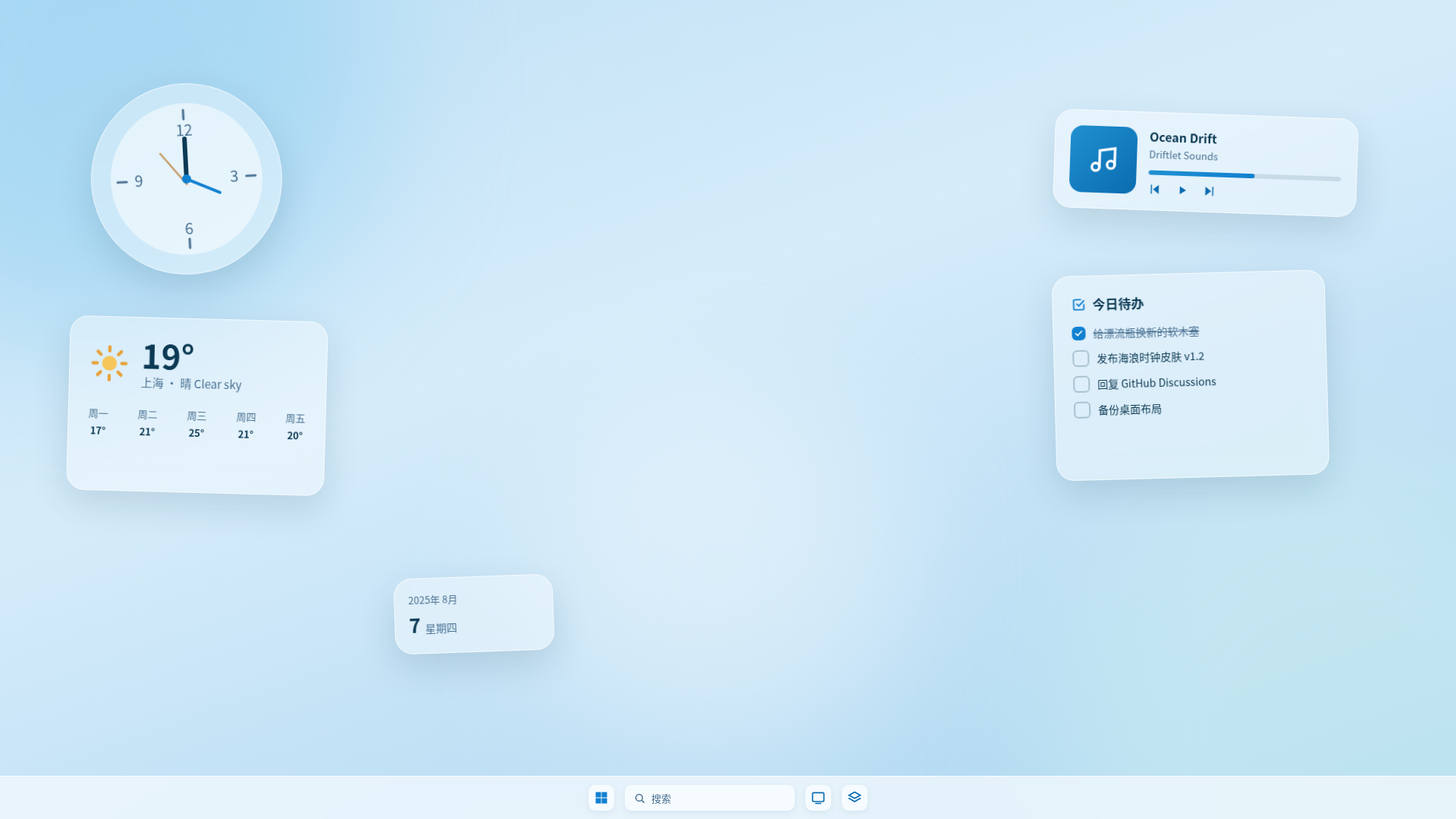
Drag the mini widget — it snaps to edges
Window behavior, fully adjustable
Always-on-top or desktop-pinned — your pick. Lock the position against accidental drags, tune opacity and 50–200% zoom, and windows snap to screen edges automatically. Try the mini widget on the left.
.dskin skin packages
Skins ship as zip-based .dskin files with double-click file association. When a skin updates, your personal settings carry over automatically — upgrades never lose your config.
- Double-click to install
- Updates keep settings
- Zip format — transparent & auditable
Settings panels, auto-generated
Authors declare settings in skin.json and Driftlet generates the config panel. Every value a user changes is pushed to the skin live.
Changes push to the skin in real time — no restart
0 control types in total, all auto-generated from skin.json declarations
Hide every skin with one key
Ctrl+Shift+Alt+D — a global hotkey to hide or summon every skin at once. Demos, screenshots, focus mode — one keystroke away.
And the practical details
Tray management
Show or hide every skin from the system tray.
Launch at startup
Your desktop layout restores itself at boot.
Dark & light themes
The manager UI ships with both dark and light themes.
Layout backup
Export/import your entire config and skins as a single zip — perfect for new machines or sharing layouts.