Download Driftlet
Free · Open source · Made for Windows 10 / 11
latest · NSIS installer
Download for WindowsThe bilingual installer follows your system language; data is portable and lives alongside the install directory.
What do you need?
Running Driftlet
- Windows 10 / 11 (64-bit)
- WebView2 Runtime (built into Windows 11)
- ~100MB disk space
Building from source
- Node.js
- Rust / Cargo
- WebView2 Runtime
Installed in three steps
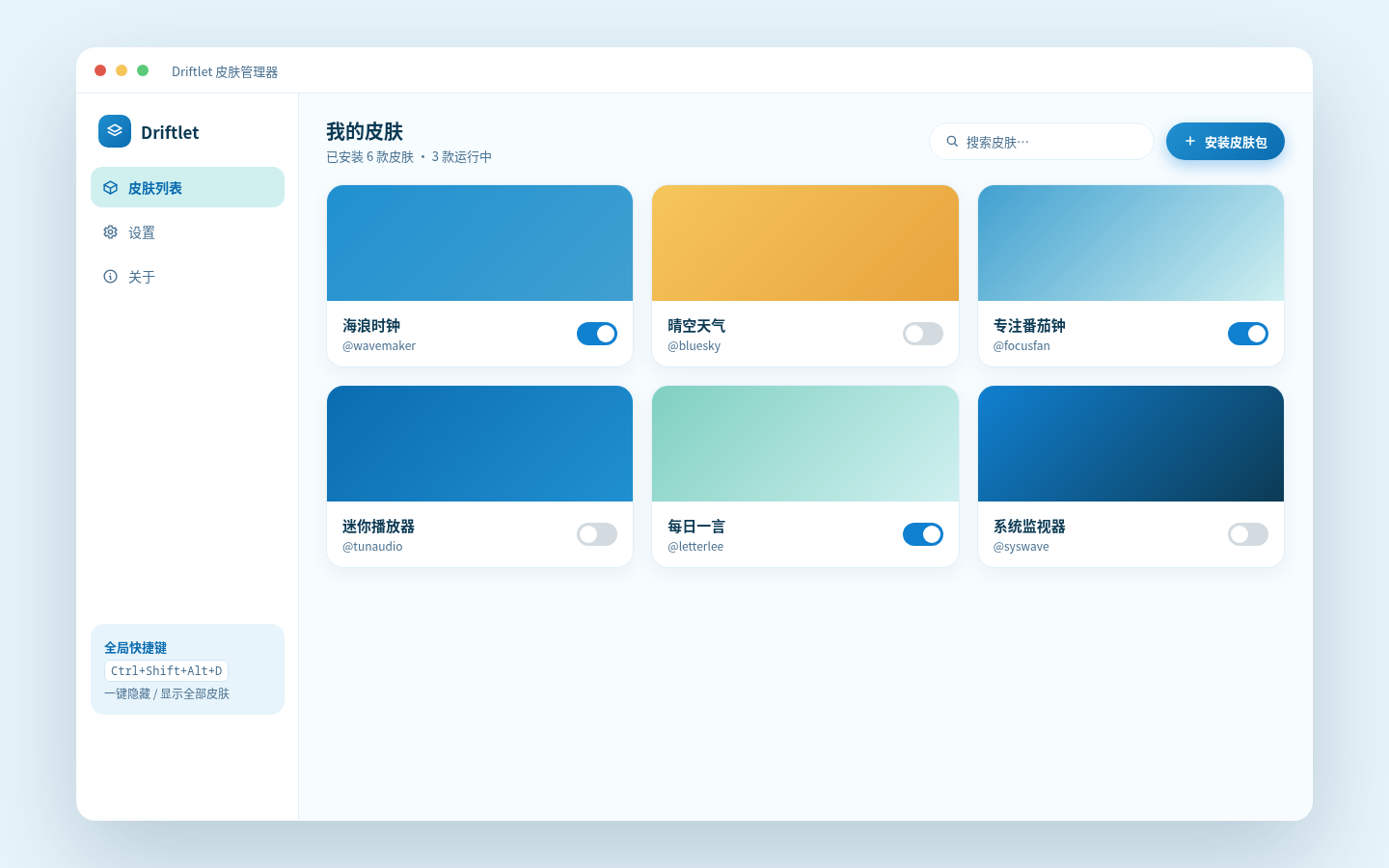
Run the installer
Double-click the downloaded NSIS installer — the UI language follows your system.
Choose an install location
Portable by design: config and skins live inside the install folder — move the whole folder anywhere.
Double-click a .dskin
Install a skin — confirm its permissions and it appears on your desktop.
Developer quick start
$ $ $ $ $
Requires Node.js and Rust — see the repo README for details.
Frequently asked questions
Completely free and open source under the GNU General Public License v3. The source is on GitHub — free to audit, modify and redistribute.
Windows 10 and 11 (64-bit). Driftlet needs the WebView2 Runtime — built into Windows 11 and preinstalled on most Windows 10 machines; if it is missing, it is a free install from Microsoft.
Every skin must declare sensitive permissions; the install wizard lists them and flags high-risk ones. File access is sandboxed, and Zip-Slip / zip-bomb attacks are blocked. See the security page
A skin is one folder (skin.json + index.html) with save-to-reload and one-click packaging via pack-skin.exe. See the developers page
Yes. Layout backup exports all configs and skins as a single zip for one-click import on the new machine. Data is portable, so moving the whole install folder works too.